Redshift Quality
The redshift quality rating is the most important field in visual inspection. It indicates your confidence that the redshift measurement is correct, enabling downstream science to appropriately weight or filter the catalog.
The Five Quality Levels#
| Quality | Color | Confidence | When to Use |
|---|---|---|---|
| Not Inspected | Gray | N/A | Default state, no one has reviewed this object |
| Impossible | Red | 0% | Impossible to determine a redshift from available data |
| Tentative | Orange | ~50% | Uncertain but feasible |
| Probable | Yellow | ~80% | Likely correct, but some doubt remains |
| Secure | Green | >95% | Highly confident, multiple features confirm |
Detailed Guidance#
Not Inspected (Gray)#
This is the default state for all objects before visual inspection. You should never explicitly select this (and in fact, you can't); instead, always assign one of the other four levels.
Impossible (Red)#
Use this when you cannot determine any redshift from the available data. Common reasons:
- No spectral features - Featureless continuum or pure noise
- Severe contamination - Another source dominates the extraction
- Data quality issues - Chip gaps, stuck shutters, or other problems affecting key wavelengths
Note: "Impossible" means you can't measure a redshift, not that the automated fit is wrong. If you can identify features but they suggest a different redshift, override the value and mark as Tentative or higher.
Tentative (Orange, ~50% confidence)#
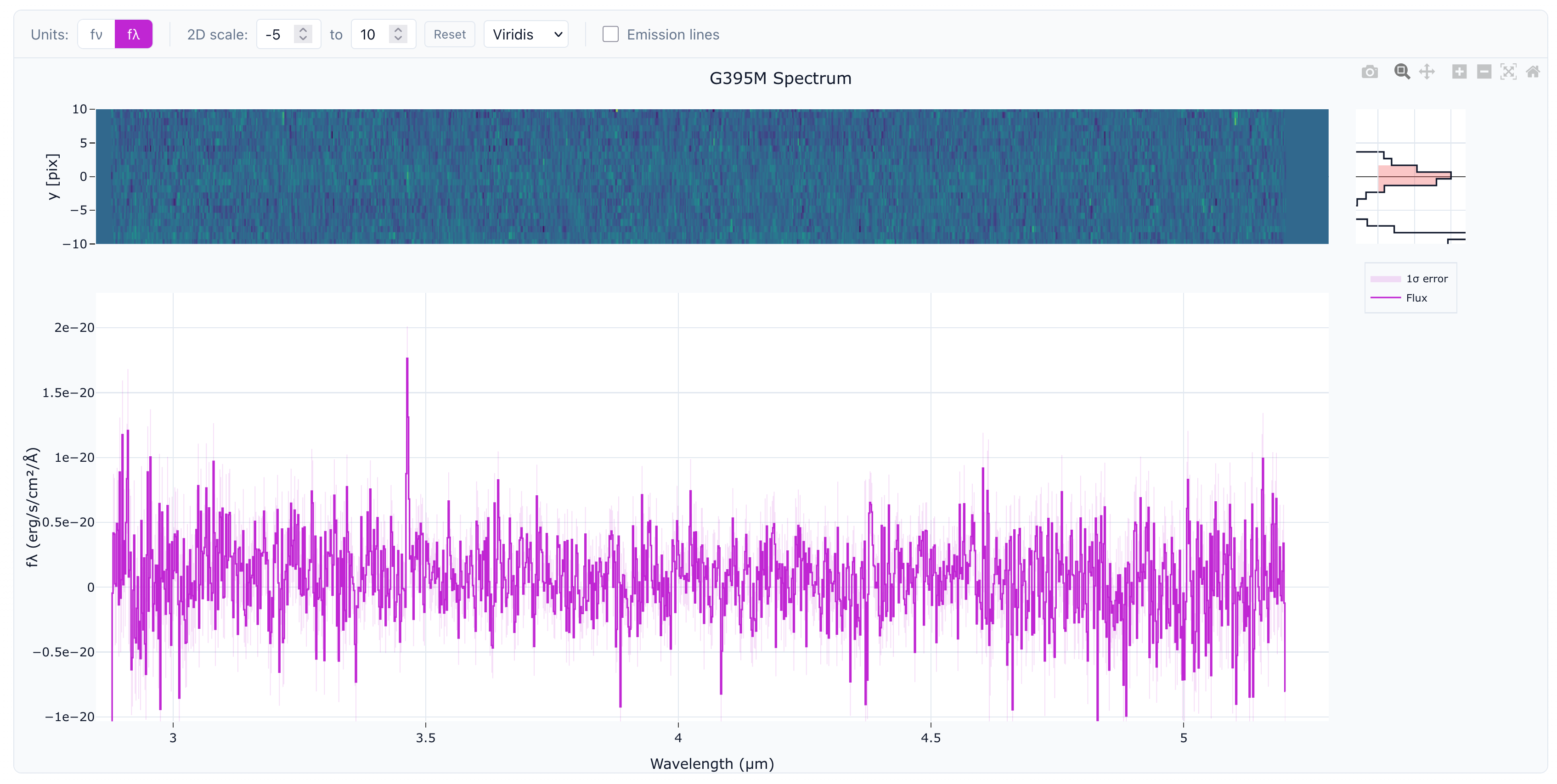
Use this when you have some evidence for the redshift but significant uncertainty remains, e.g. single emission line, very weak emission features, or an ambiguous spectral break.
Probable (Yellow, ~80% confidence)#
Use this when the redshift is likely correct but you have some remaining doubt:
- Single line at high SNR with other supporting evidence - e.g., broad line, continuum shape, robust photoz
- Strong break with some confirmation - Lyman break with weak emission
- Multiple weak lines - Several features align but individually marginal
- Reasonable but not perfect fit - Need to followup with a more careful interactive spectral fit
![Example of a probable spectrum: multiple low-SNR lines consistent with [OIII] and Hα, though inconsistent with photo-z.](/docs/quality-probable.png)
Secure (Green, >95% confidence)#
Use this when you are highly confident in the redshift:
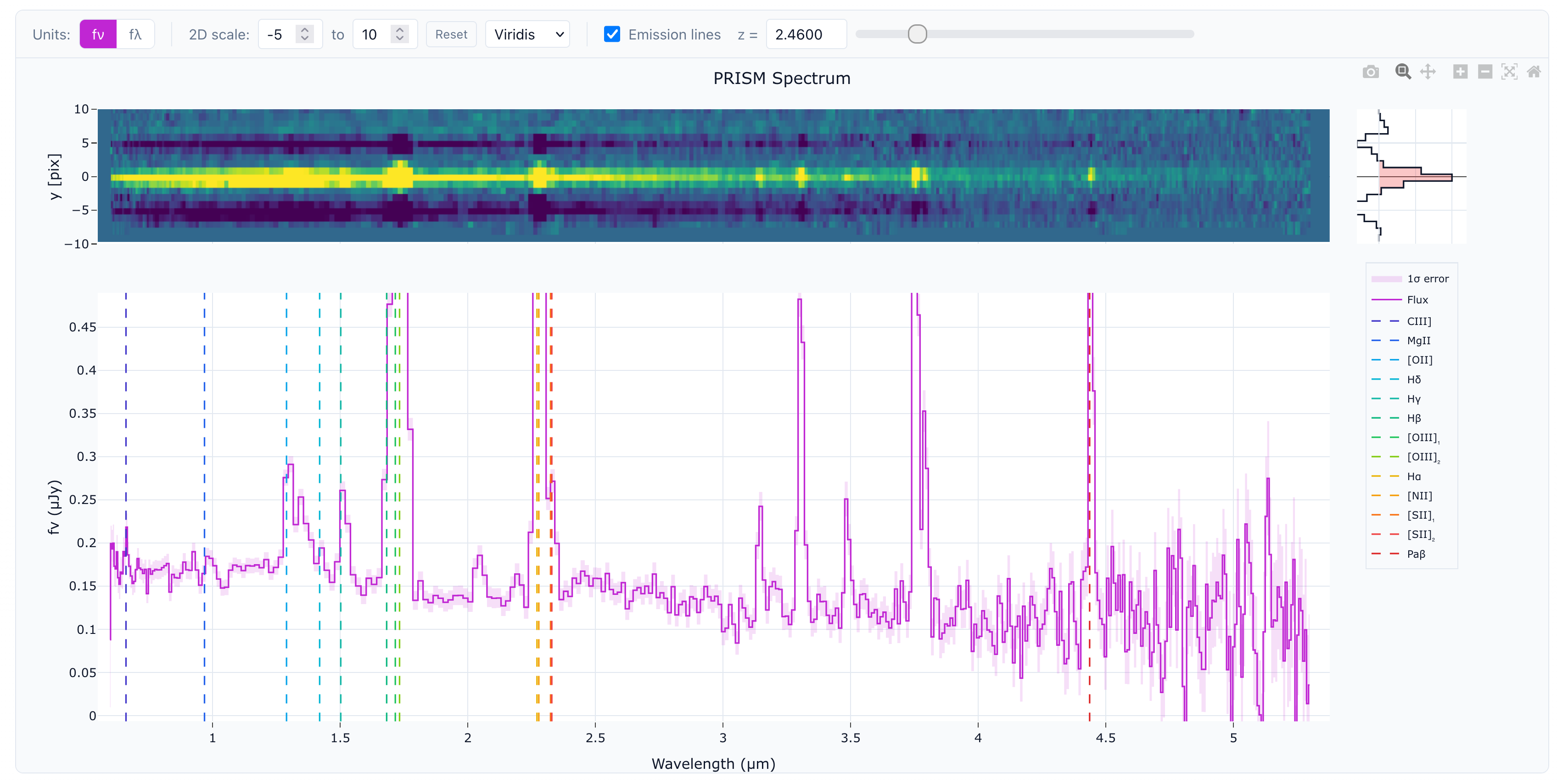
- Multiple emission lines - Two or more clearly identified lines at consistent redshift
- Strong break with confirmation - Clear Lyman/Balmer break plus emission lines
- Absorption features match - Stellar absorption lines at consistent redshift
Overriding the Automated Redshift#
If you identify a different redshift than the automated fit, enter that value in the "Override" field. You'll have to also select a quailty rating. It may be useful to add a comment explaining why you applied a manual override.